The Best IPTV Player for iPhone: Orca Player Review
Table of contents
The best IPTV player for iPhone needs to feel at home on a small screen: quick to open, easy to use with one thumb, and light on battery and data. Orca Player fits that description. It's available on the App Store for iPhone and iPad, plays M3U playlists and Xtream Codes, and includes a 7-day TV guide, catch-up, subtitles and a 7-day free trial that starts the moment you open it.
In this review we look at what iPhone users should expect from an IPTV app, how Orca Player performs, and how to set it up in a couple of minutes.
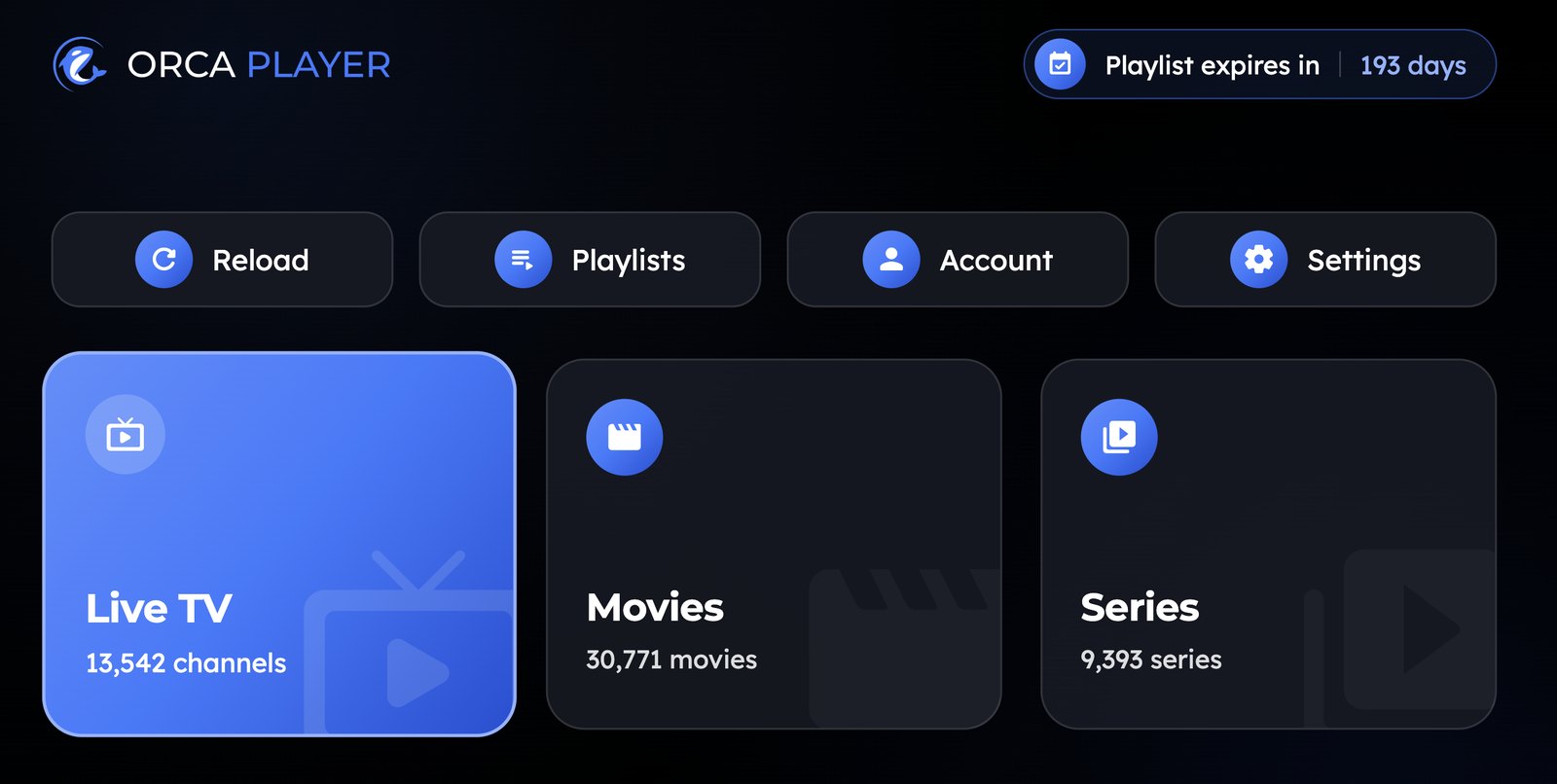
Note: Orca Player is a media player only. It doesn't include any channels or content. You add a playlist from your own IPTV provider.
Why Choosing an IPTV App on iPhone Is Tricky
On iPhone, almost every app comes from the App Store, so you can't just download any player you find online. The App Store has plenty of IPTV apps, but many share the same problems:
- Cluttered screens designed for TVs, squeezed onto a phone.
- Ads or constant upgrade pop-ups.
- Monthly subscriptions that renew without warning.
- Weak support for Xtream Codes, so movies and series aren't organized.
- No proper program guide.
The right app avoids all of these.
What We Look for in the Best IPTV Player for iPhone
We judged Orca Player on six criteria that matter most on a phone:
- Speed: How fast the app opens and how quickly channels switch.
- Mobile-first design: Can you browse comfortably with one hand?
- Content organization: Live TV, movies and series in clear sections.
- Program guide: A real EPG, not just a channel name.
- Playback options: Audio tracks, subtitles and quality up to 4K.
- Pricing: A free trial and no surprise renewals.
Orca Player on iPhone: What You Get
A clean interface for one-handed use
Orca Player splits everything into Live TV, Movies and Series. Each section has categories, posters and ratings, and instant search shows results across all three as you type. Finding a channel or a film takes seconds.
Full EPG and catch-up
The TV guide covers 7 days of listings and supports XMLTV, so you can check what's on tonight while you're on the bus. If your provider supports catch-up, you can rewind live TV or watch shows you missed.
Pick up where you left off
Continue Watching remembers your exact position in every movie and episode. Start an episode on your iPhone during your commute and finish it later — and your favorites sync across all your activated devices, including Android, Windows and TVs.
Audio, subtitles and languages
Switch between audio tracks and subtitle languages on the fly, including external subtitle files. The app itself is available in more than 15 languages.
Safe for the whole family
Parental control lets you lock categories behind a key, which is useful if your children borrow your phone or iPad.
| What matters on iPhone | How Orca Player handles it |
|---|---|
| Setup | Add playlists in the app or from the web dashboard |
| Playlist types | M3U URLs and Xtream Codes, multiple playlists |
| Program guide | 7-day EPG with XMLTV support |
| Missed shows | Catch-up and time-shift (provider-dependent) |
| Video quality | SD up to 4K, hardware-accelerated decoding |
| Price | 7-day trial, then €4.99/year or €9.99 lifetime |
How to Install Orca Player on iPhone and iPad
- Open the App Store on your iPhone or iPad.
- Search for Orca IPTV Player.
- Tap Get and install the app.
- Open it. Your 7-day free trial starts automatically, with no account or credit card needed.
How to Add Your Playlist
You have two options:
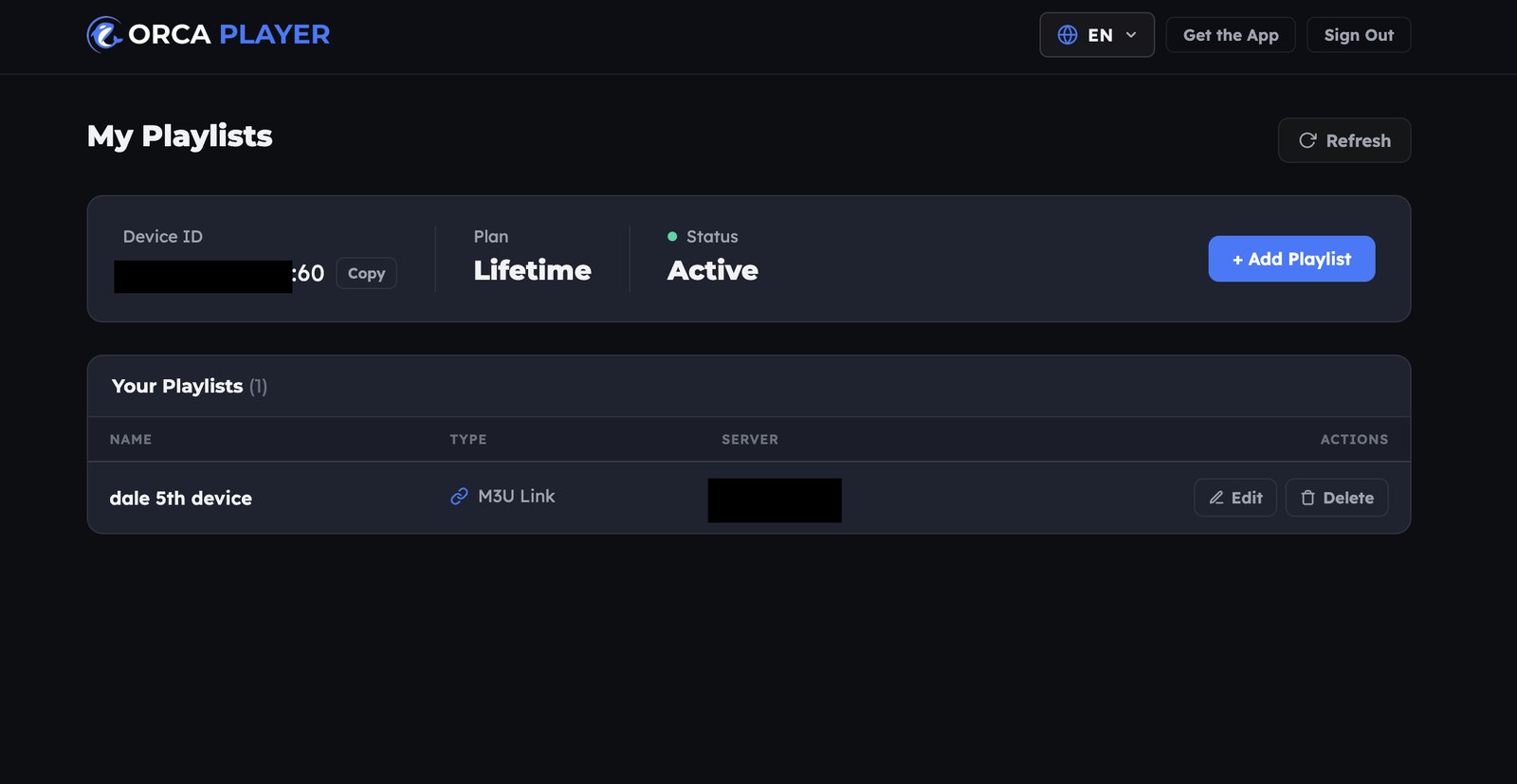
- In the app: Enter your M3U URL, or your Xtream Codes server, username and password.
- From the web: Open the Manage Playlist dashboard, sign in with the Device ID and Device Key shown in the app, and add your playlist there. This is handy if your provider sent your login by email to your computer.
Once added, your channels, movies and series load and are sorted by category.
Tips for Streaming IPTV on iPhone
- Use Wi-Fi for 4K. High-resolution streams use a lot of mobile data. On cellular, choose an HD or SD version of the channel if your provider offers one.
- Keep your battery happy. Lower screen brightness during long viewing sessions, and close other heavy apps.
- Favorite your top channels. A short favorites list is much faster than scrolling through thousands of channels on a small screen.
Pricing and Activation
Orca Player keeps pricing simple, and every plan includes every feature:
- Free trial: 7 days, one per device.
- Yearly: €4.99, a single payment with no automatic renewal.
- Lifetime: €9.99, paid once.
To activate, go to orcaplayer.app/activate, enter your Device ID and Device Key, choose your plan and pay with PayPal. The app unlocks right away.
Frequently Asked Questions
Is there a free IPTV player for iPhone?
Orca Player is free to download and free for 7 days. After that, it costs €4.99 per year or €9.99 for life.
Does Orca Player work on iPad too?
Yes. The same app runs on iPhone and iPad.
Does Orca Player provide channels?
No. You need your own M3U playlist or Xtream Codes subscription.
Can I use the same playlist on my TV?
Yes. Orca Player is also available for Android TV and Fire TV, with more TV platforms coming, so you can use the same provider everywhere.
Is an IPTV app legal on iPhone?
Yes. The player is legal. Just make sure the content you stream is properly licensed in your country.
Our Verdict
If you want the best IPTV player for iPhone, look for speed, a clean mobile layout, a real TV guide and honest pricing. Orca Player delivers all four, plus catch-up, multi-playlist support and synced favorites across your devices. Download it, add your playlist and enjoy a full week free.


