The Best IPTV Player for Samsung Smart TV: A Complete Guide
Table of contents
- Why Samsung TV Owners Need a Dedicated IPTV Player
- What to Look for in a Samsung Smart TV IPTV Player
- Why Orca Player Is the Best IPTV Player for Samsung Smart TV
- How to Install Orca Player on a Samsung Smart TV
- How to Add Your M3U Playlist or Xtream Codes
- Orca Player Pricing on Samsung TV
- Frequently Asked Questions
- Conclusion
The best IPTV player for Samsung Smart TV is one that runs natively on Tizen, works smoothly with the standard Samsung remote, and gives you a real TV guide instead of a bare channel list. Orca Player is built for exactly that. Install it from the Samsung Apps store, add your M3U playlist or Xtream Codes login, and you can start streaming with a 7-day free trial — no external box and no credit card required.
Below you'll find why Samsung TVs need a dedicated IPTV app, what Orca Player offers, and step-by-step setup instructions.
Note: Orca Player is a media player only. It doesn't provide any channels or subscriptions. You use a playlist from your own IPTV provider.
Why Samsung TV Owners Need a Dedicated IPTV Player
Samsung Smart TVs run Tizen, Samsung's own operating system. Unlike Android TV, Tizen doesn't let you sideload apps from the internet. That means you can only use IPTV apps that are approved in the Samsung Apps store, and quality varies a lot.
Many Samsung IPTV apps feel dated: slow menus, missing program guides, and playlists that take minutes to load. Others don't handle Xtream Codes properly, so your movies and series end up mixed into one long list. A good player should turn your Samsung TV into a proper live TV and on-demand experience — without buying an extra streaming stick.
What to Look for in a Samsung Smart TV IPTV Player
Before you pay for any app, make sure it ticks these boxes:
- Native Tizen app in the official store, so it updates safely.
- M3U and Xtream Codes support, so it works with any provider.
- An EPG with several days of listings, not just "now playing".
- Remote-first navigation — no tiny buttons designed for a mouse.
- 4K playback that takes advantage of your TV's hardware decoder.
- Easy playlist entry, ideally from a phone or computer rather than the TV keyboard.
Why Orca Player Is the Best IPTV Player for Samsung Smart TV
Built for the big screen and the Samsung remote
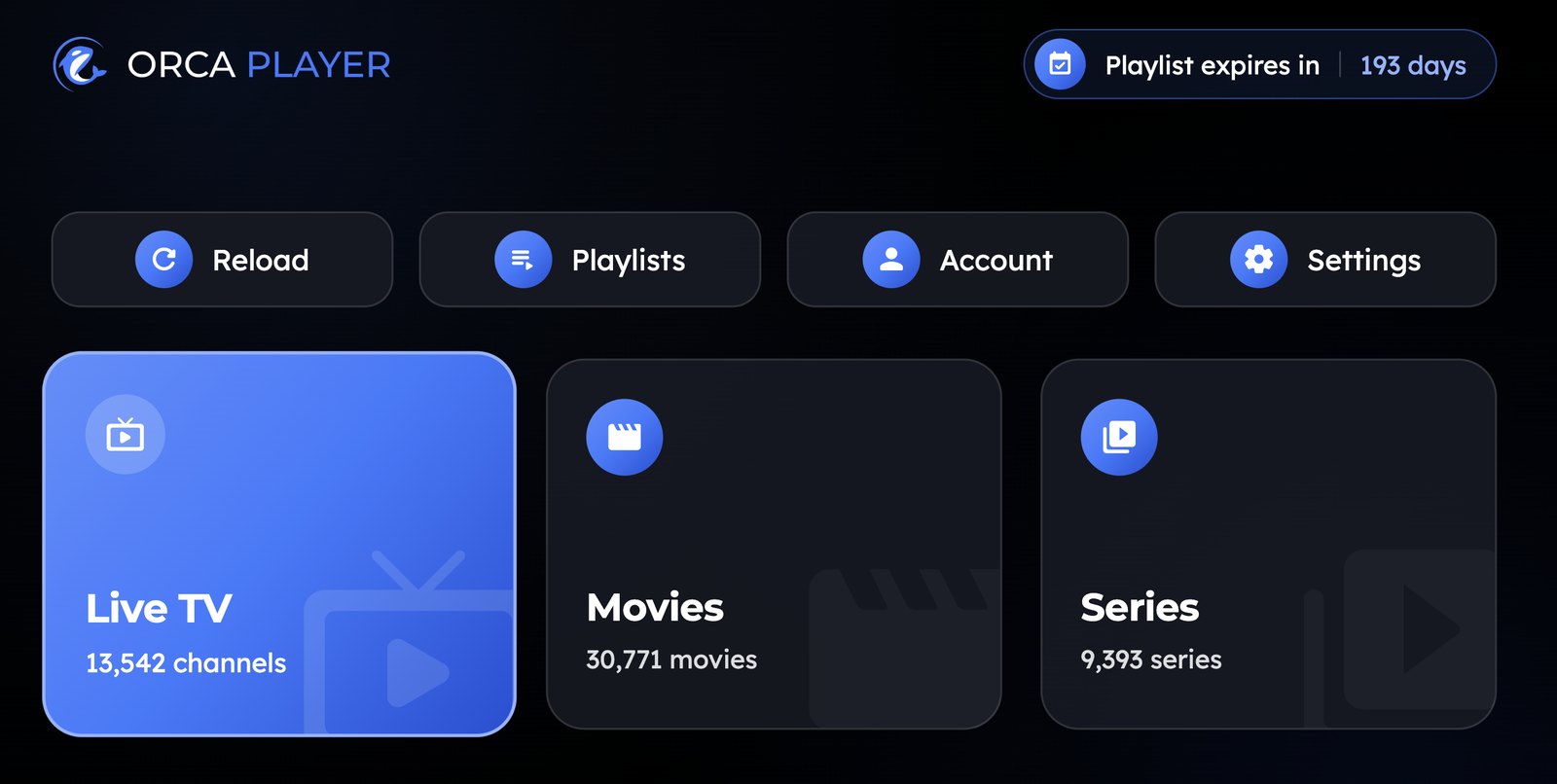
Orca Player's interface is designed for 10-foot viewing. Live TV, Movies and Series each have their own section, and the Live screen shows categories, the channel list, a live preview and the TV guide together. You move through everything with the arrow keys and OK button on your Samsung remote.
Add your playlist from your phone
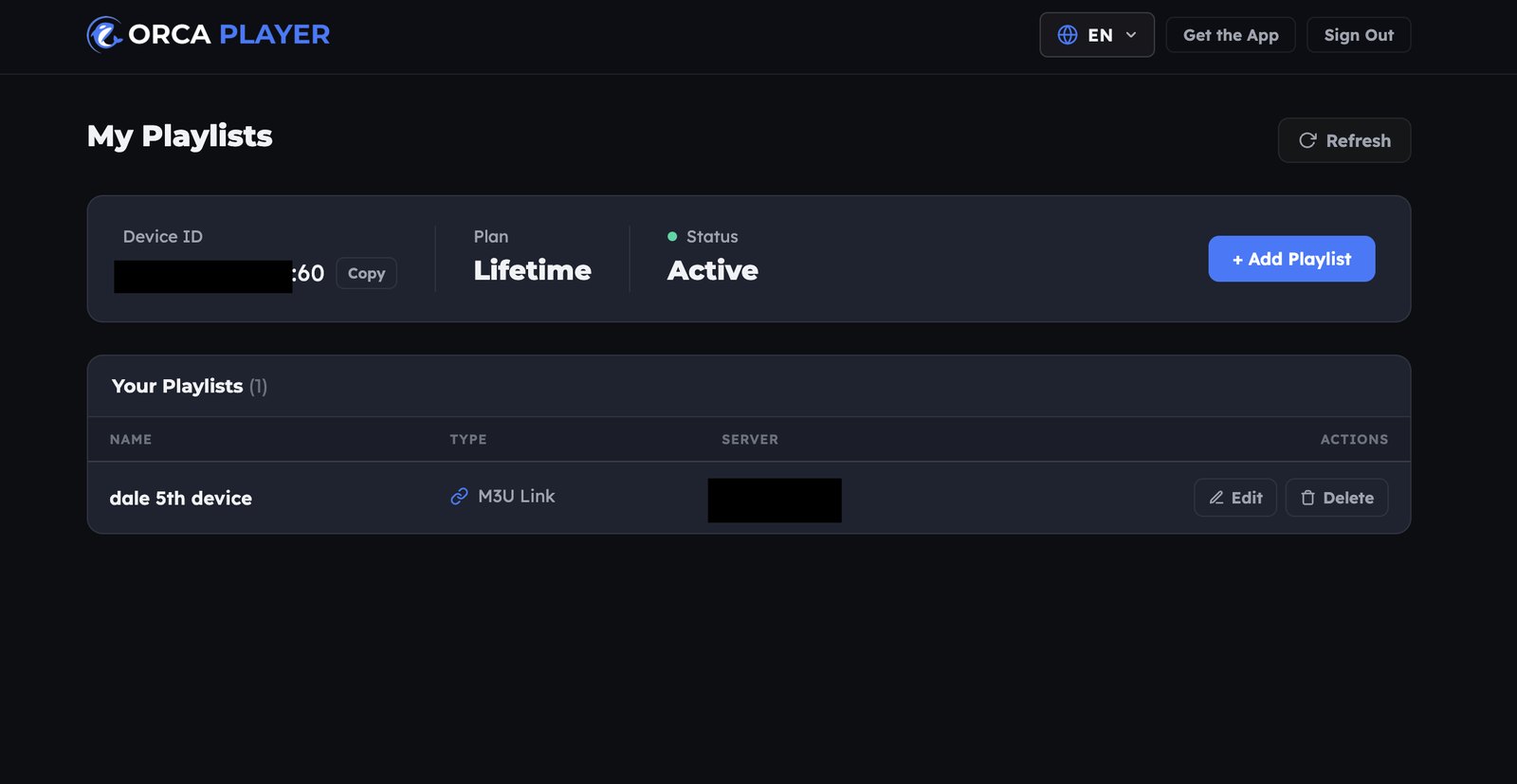
Nobody enjoys typing a 120-character M3U link with an on-screen keyboard. Orca solves this with a web dashboard: open the Manage Playlist page on your phone or laptop, enter the Device ID and Device Key shown on your TV, and paste your M3U URL or Xtream Codes details. Your channels appear on the TV.
A full 7-day TV guide
The built-in EPG shows a 7-day schedule for every channel and supports XMLTV. You can see what's on now, what's next, and plan your evening without switching to another device.
Catch-up, time-shift and Continue Watching
If your provider offers catch-up, Orca lets you rewind live TV and replay programs you missed. For movies and series, Continue Watching remembers your exact position, even after you turn the TV off.
4K and 8K playback
Samsung makes some of the best 4K and 8K panels on the market. Orca Player supports every quality from SD up to 4K and 8K, using hardware-accelerated decoding, as long as your provider's stream and your TV support it.
Family-friendly controls
Parental control lets you lock categories behind a key, so kids can use the TV without seeing adult content. You can also switch audio tracks and subtitles on the fly, and use the app in more than 15 languages.
| You want… | Orca Player on Samsung |
|---|---|
| Easy setup | Add playlists from your phone via the web dashboard |
| Program guide | 7-day EPG with XMLTV support |
| Missed a show | Catch-up and time-shift (provider-dependent) |
| Several providers | Multiple M3U / Xtream Codes playlists |
| Picture quality | SD up to 4K and 8K, hardware decoding |
| Kids' safety | Key-locked parental control |
How to Install Orca Player on a Samsung Smart TV
- Press the Home button on your Samsung remote and open Apps.
- Select the search icon and type Orca IPTV Player.
- Select the app and choose Install, then Open.
- Your 7-day free trial starts automatically. Write down the Device ID and Device Key shown on screen.
Orca Player works on Samsung Smart TVs running Tizen.
How to Add Your M3U Playlist or Xtream Codes
- On your phone or computer, open orcaplayer.app/dashboard.
- Enter the Device ID and Device Key from your TV.
- Click Add playlist and choose M3U link or Xtream Code.
- Paste your details and save. Restart Orca Player on the TV, and your content loads sorted by category.
Orca Player Pricing on Samsung TV
There's no subscription trap. Every plan unlocks every feature:
- 7-day free trial, automatic on first launch (one per device).
- Yearly plan: €4.99, one-time, no automatic renewal.
- Lifetime plan: €9.99, paid once.
To activate, visit orcaplayer.app/activate, enter your Device ID and Device Key, choose a plan and pay with PayPal. Your TV unlocks instantly.
Frequently Asked Questions
Can I install an IPTV app on any Samsung Smart TV?
You can install apps from the Samsung Apps store on Tizen-based Samsung TVs. Check your model against Orca Player's store listing.
Do I need a Fire Stick or Android box with a Samsung TV?
No. Orca Player runs directly on the TV, so you don't need extra hardware.
Does Orca Player come with channels?
No. It's a player. You need your own M3U playlist or Xtream Codes subscription.
Why is my playlist not loading?
Check that the URL or login is correct and still active with your provider. Re-entering it through the web dashboard usually fixes typos.
Is an IPTV player legal on Samsung TV?
Yes. The player itself is legal software. Make sure the content you stream is licensed in your country.
Conclusion
If you want the best IPTV player for Samsung Smart TV, choose an app that respects your TV: native on Tizen, fast with a remote, and complete with a real program guide. Orca Player combines all of this with phone-based playlist setup and simple one-time pricing. Install it, try it free for seven days, and see how much better live TV can feel on your Samsung.


